

Skylight Family Calendar Discount Code (March 2026)
Use code MILWAUKEE to save 15% on the Skylight Family Calendar.
Last verified: February 2026
Valid on standard models. No subscription required for core features.
👉 Order directly from Skylight here
We’ve always used Google Calendar to keep track of our busy family schedule, but it always still felt like we were just barely surviving day to day. With three kids in different schools and activities, things were still slipping through the cracks.
For a while, we also had an adorable chalkboard calendar hanging in the kitchen, but it was hard to keep updated and honestly, it sat empty most of the time.
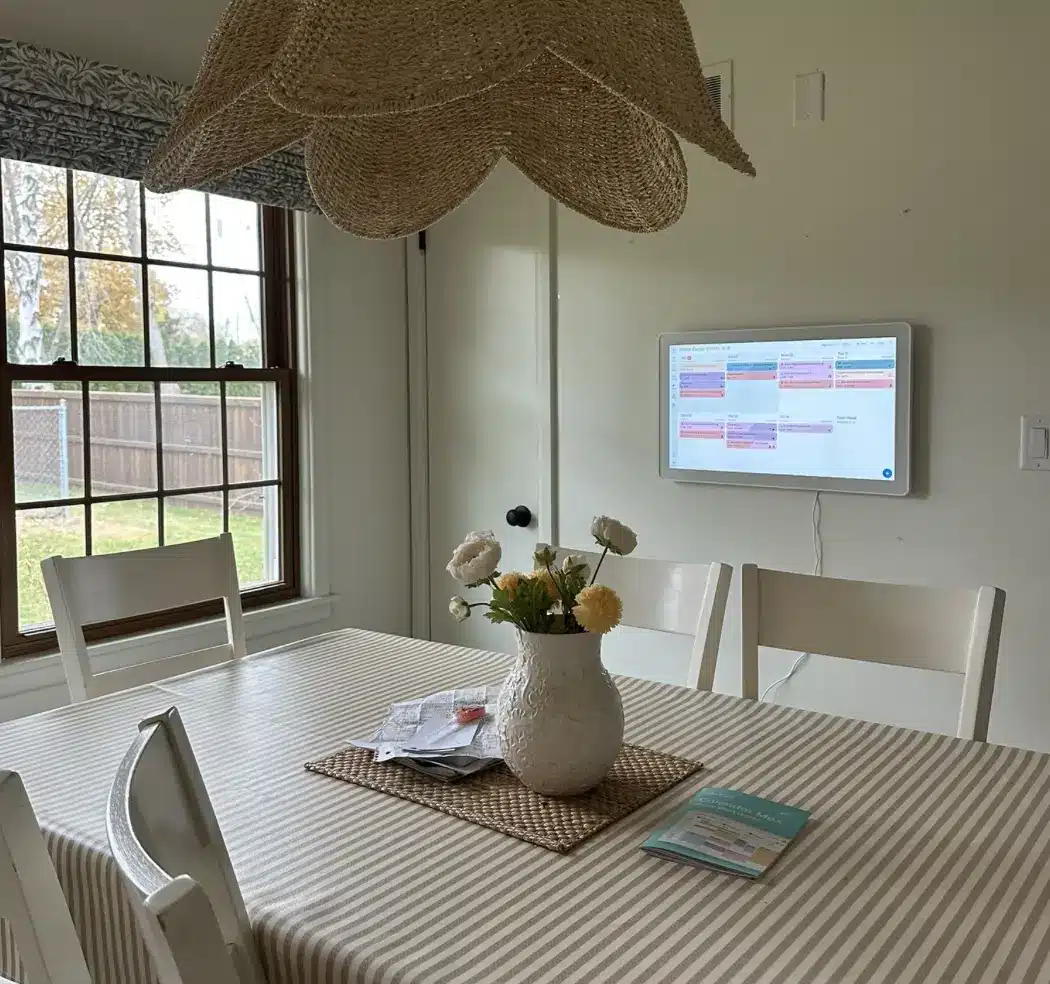
A few people I trust mentioned the Skylight Family Calendar, so when we were sent one to try, I figured it couldn’t hurt. After two months of using it in our kitchen, I’ve found that it’s solved a very specific problem I didn’t even realize we had: making the schedule visible and understandable for everyone in the house – not just the adults.
This is my honest review of the Skylight Calendar after over 2 months of daily use – including what we loved, what we didn’t, and how it actually changed our mornings for the better. If you’re considering it for your family, keep reading – and use our discount code MILWAUKEE to save 15% if you decide to order:
👉 Shop Skylight Calendar with 15% Off
Save 15% on the Skylight Calendar
If you’re thinking about trying the Skylight Family Calendar, I do have a discount code you can use. We’ve been using it for over six weeks now, and it’s honestly made a big difference in how we manage our family’s schedule.
If you decide to order, you can use my affiliate code: MILWAUKEE to get 15% off:
👉 Here’s the link to order
It works on both the standard and oversized versions, and no subscription is required for the main features.
I do earn a small commission if you use the link, which helps support my blog — thank you!
What Is the Skylight Family Calendar and How Does It Work?
The Skylight Calendar is a digital touchscreen calendar designed specifically for families. It displays all your synced calendars in one place, making it easy for everyone – from kids to parents – to see what’s happening that day, week, or month.
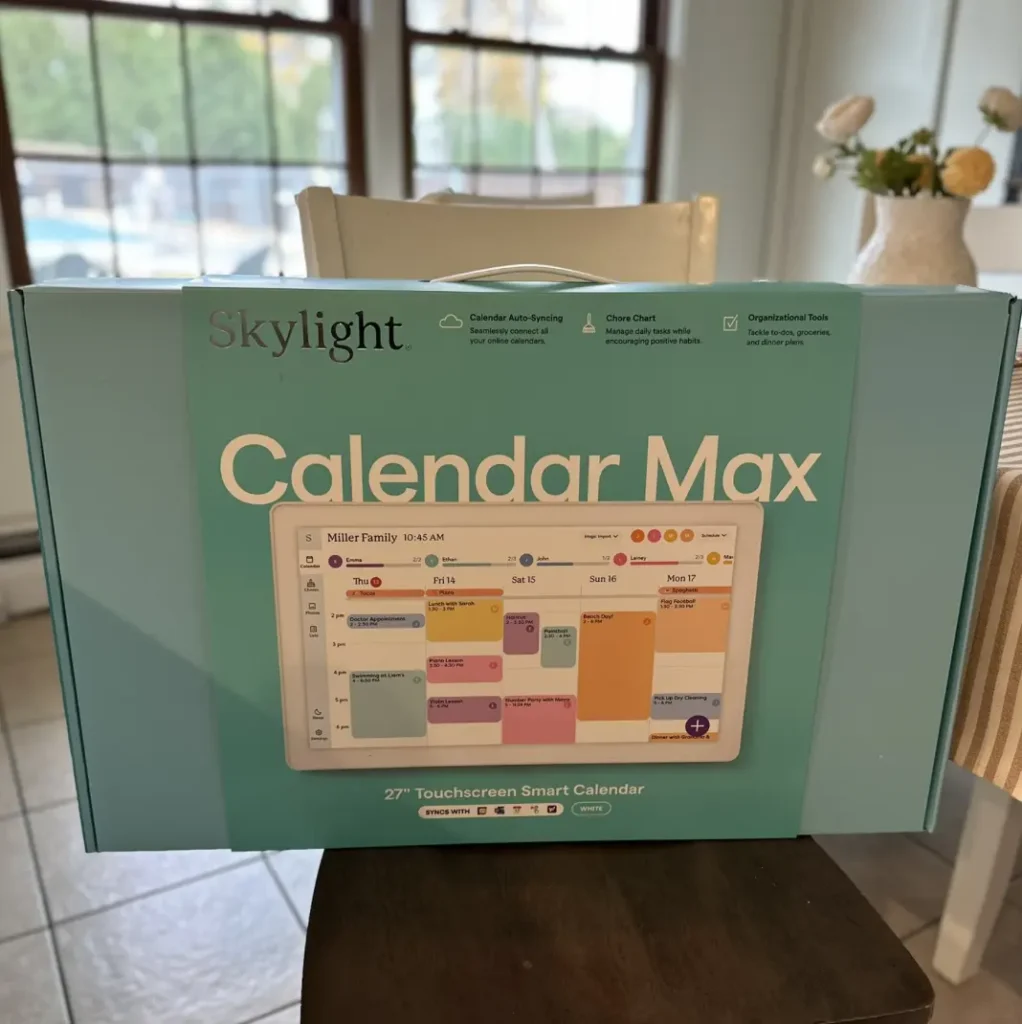
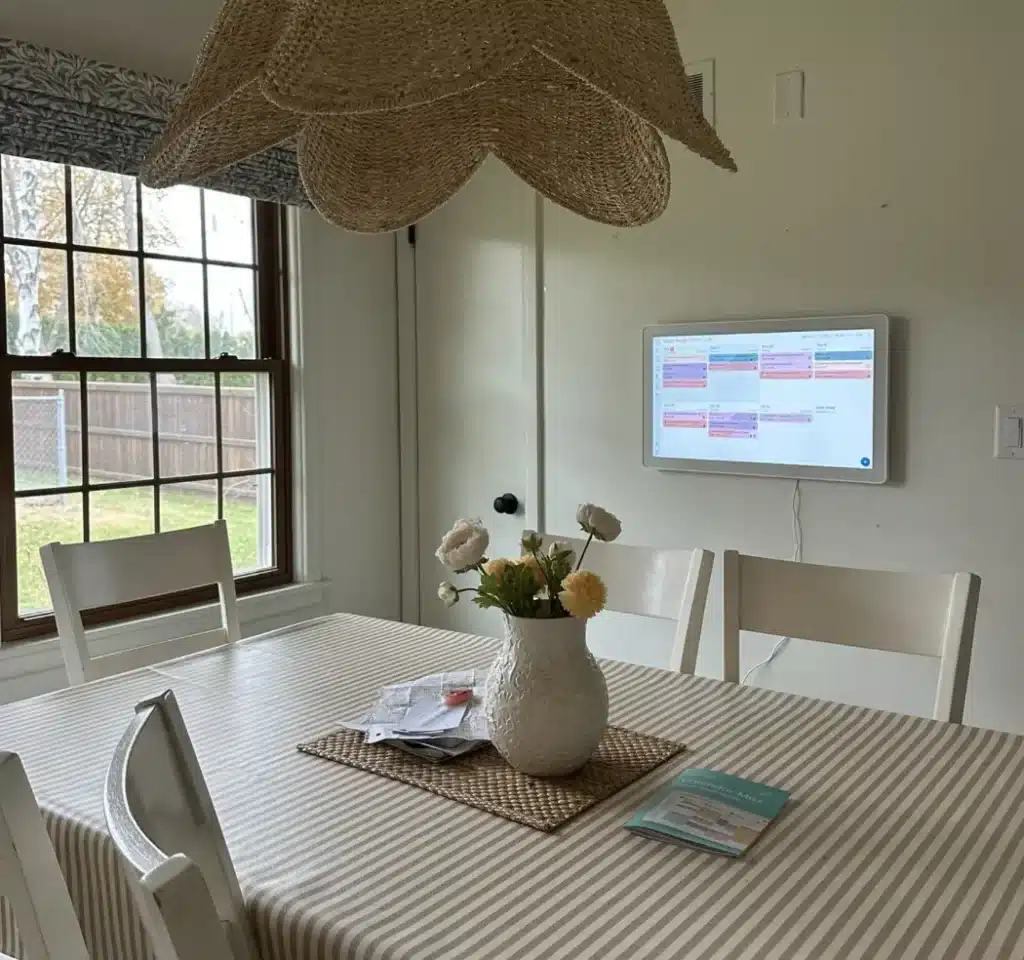
We ordered the oversized version, which I 100% recommend. The large screen feels like a true family hub on the wall, rather than a forgotten gadget sitting on a desk. It’s bold, visual, and inviting, especially for younger kids.
Set-Up: Easier Than I Expected
I’ll be honest, I’m not handy at all. But I was able to hang the Skylight myself in under an hour using a drill, thanks to their helpful paper wall guide that marks the drill holes for you. You really can’t mess it up.
Once it was mounted, setup was simple:
- I created an account using my email
- Synced all of our Google Calendars (still our primary system)
- Assigned each family member their own color (a surprisingly fun and satisfying step!)
Now everyone can walk by and see what their day looks like. But the real game-changer? The tasks feature.
How the Tasks Feature Fixed Our Morning Struggles
Every family has that one thing they can’t seem to get a handle on. For us, it was our 9-year-old’s struggle to get herself ready and prepared for school on time. Every school day felt like a battle just to get her out the door on time – nagging, rushing, stress.
Using Skylight, I created a morning checklist just for her:
- Get dressed by 7:15
- Eat breakfast by 7:30
- Brush teeth by 7:40
- Pack snack & put on shoes by 7:50
She can check off each task on the screen herself. We tied the completion of her tasks to a small reward she chose — a Jellycat stuffy. And just like that, mornings transformed.
I can’t tell you what a relief this has been, and what a difference this has made for our mornings.
She loves the independence. We’re no longer yelling or repeating ourselves, and it sets a much calmer tone for the day. It’s been two months, and this system is still working beautifully. For us, the cost of the calendar was worth it for this benefit alone.
Optional Subscription Features
We initially tried the upgraded subscription, which includes:
- A photo gallery screensaver (my older kids loved this)
- Dinner planning tools
- Rewards for tasks (key for us)
- An AI assistant that can auto-add events from forwarded emails (this actually worked really well)
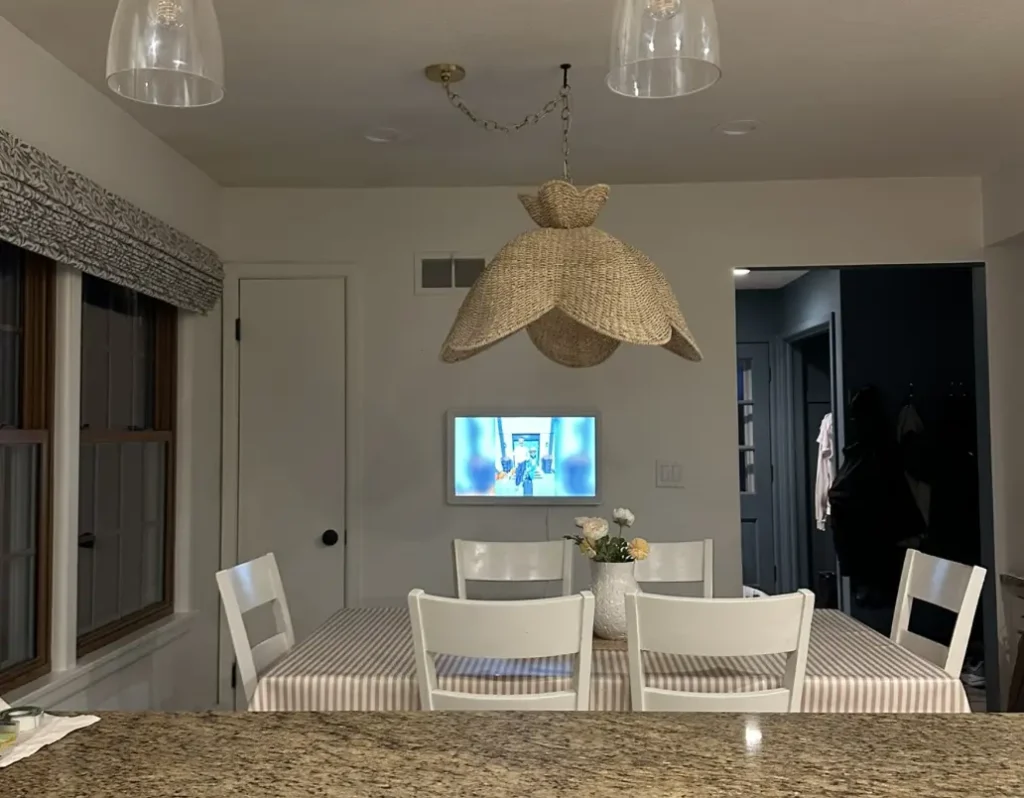
Good news: you do NOT need the subscription to use the core calendar, tasks, or syncing features.
Pros and Cons After Two Months of Use
Pros
- Super easy to set up
- Large screen is engaging for kids
- Color-coded schedules are visually intuitive
- Tasks feature builds independence
- Works seamlessly with Google Calendar
- No subscription required for core functions
Cons
- Subscription offers cool features, but adds cost
- Older teens may not use it as actively
- Requires wall space and access to power outlet
Who Should Use the Skylight Family Calendar?
I’d say the ideal age range is 4–11. Younger kids are drawn to the touchscreen and colorful layout, while upper-elementary kids love checking off tasks and seeing their day at a glance. My older kids (middle school/high school) mostly enjoy seeing their photos on the display, but they rely more on their phones.
Final Thoughts: Is the Skylight Calendar Worth It?
Absolutely – especially for families with younger kids and busy schedules. If you’re overwhelmed trying to keep track of everyone’s activities, or if you’re struggling with routines like we were, the Skylight offers a visual, shared space to bring calm to the chaos.
We’re still using our Google Calendars behind the scenes, but Skylight gives us a central, visible command center that’s made a big difference.
If you’re ready to try it, don’t forget to use our affiliate code MILWAUKEE to save 15%:
👉 Click here to get the Skylight Family Calendar
Related Posts You Might Like:

Calie Herbst, Editor-in-Chief of Milwaukee With Kids, has spent over a decade combining her experiences as a parent of three to create a hub for Milwaukee’s family adventures.
Her decade-long teaching career in Milwaukee Public Schools and academic background, including a Master’s in Teaching from Marquette University and dual B.A.s in Sociology and Spanish from the University of Wisconsin – Madison, fuel her passion for inclusive and engaging family content.
Calie is also a recognized voice in local media, contributing to WISN Channel 12 News, WTMJ Wisconsin Morning News, Fox 6’s Real Milwaukee, and B93.3.
Discover more about Calie’s journey and editorial approach on her About Page and Editorial Policy Page.